Video CI for mobile apps
Every app release gets a video.
Connect release notes and real UI capture. Get a compliant store preview and a social cut from the same release.
One release, two jobs
The store cut explains. The social cut earns attention.
Each output gets its own storyboard, pacing, text density, sound, and compliance rules.
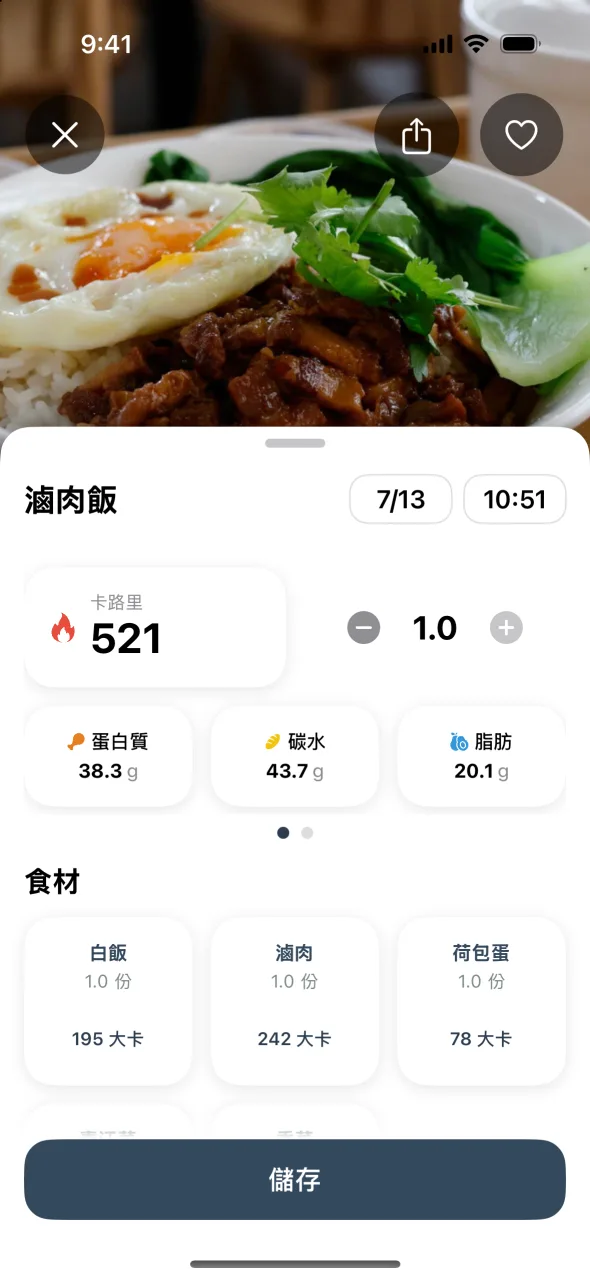
Captured UI, restrained overlays, 886x1920, H.264, 30fps.
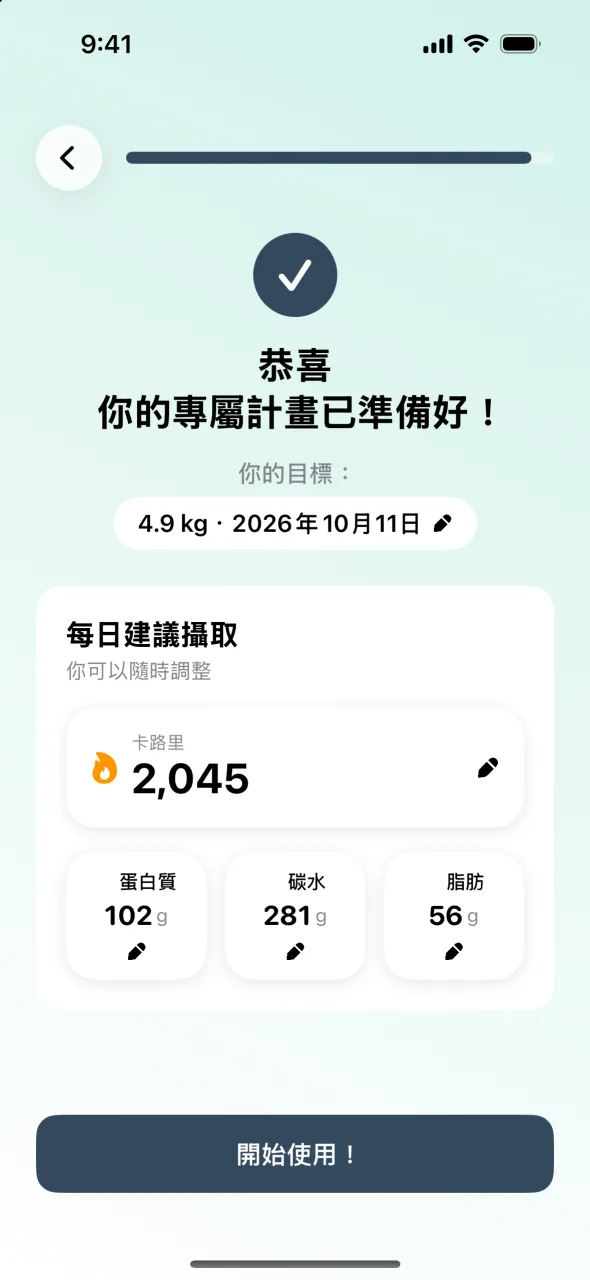
Sharper hook, denser pacing, music, 1080x1920, H.264, 30fps.
Built for releases, not editing sessions.
Save the app once. Each new version sends release notes and source capture into the same durable render workflow.
{
  "version": "2.4.0",
  "locale": "en-US",
  "releaseNotes": "New AI analysis flow",
  "assets": ["welcome.png", "analysis.png", "plan.png"],
  "outputs": {
    "storePreview": true,
    "socialPromo": true
  }
}
The core already renders real output.
SeeFit starts with nine captured screens. The current system writes two storyboards, renders both formats, and checks the store file.
- Input
- 9 captured screens
- Output
- 2 separate cuts
- Validation
- 6 file checks

Planned public pricing
Software pricing, not a project quote.
Every plan includes both cuts and the spec report. Annual billing includes two months at no charge.
Join founding beta8 release packs each month for up to 5 apps.
2 release packs, 1 app
25 release packs, 20 apps
What the founding beta will and will not do.
Is ReleaseReel available now?
The rendering core and real SeeFit outputs are working. The hosted self-serve workflow is being prepared for a small founding beta and is not publicly available yet.
What does one release pack include?
One 15-30 second App Store Preview, one vertical social cut, poster frames, and a machine-readable report covering duration, dimensions, codec, frame rate, audio, and file size.
Why is this a subscription?
Your app, brand rules, output settings, and release workflow stay connected. The product is designed for teams that publish updates repeatedly, not for a single launch asset.
Does it replace a video editor?
No. ReleaseReel is for repeatable release videos. You can adjust headlines and shot order, but it will not become a general timeline editor or a 3D mockup studio.
Will Apple approve every video?
No tool can guarantee content approval. ReleaseReel checks the technical file and keeps the store cut grounded in captured app experience. Your claims still remain subject to Apple review.
Will there be a GitHub Action?
Yes. The first hosted beta starts with dashboard upload, then adds a GitHub Action that submits release notes and Fastlane screenshots to the same API.